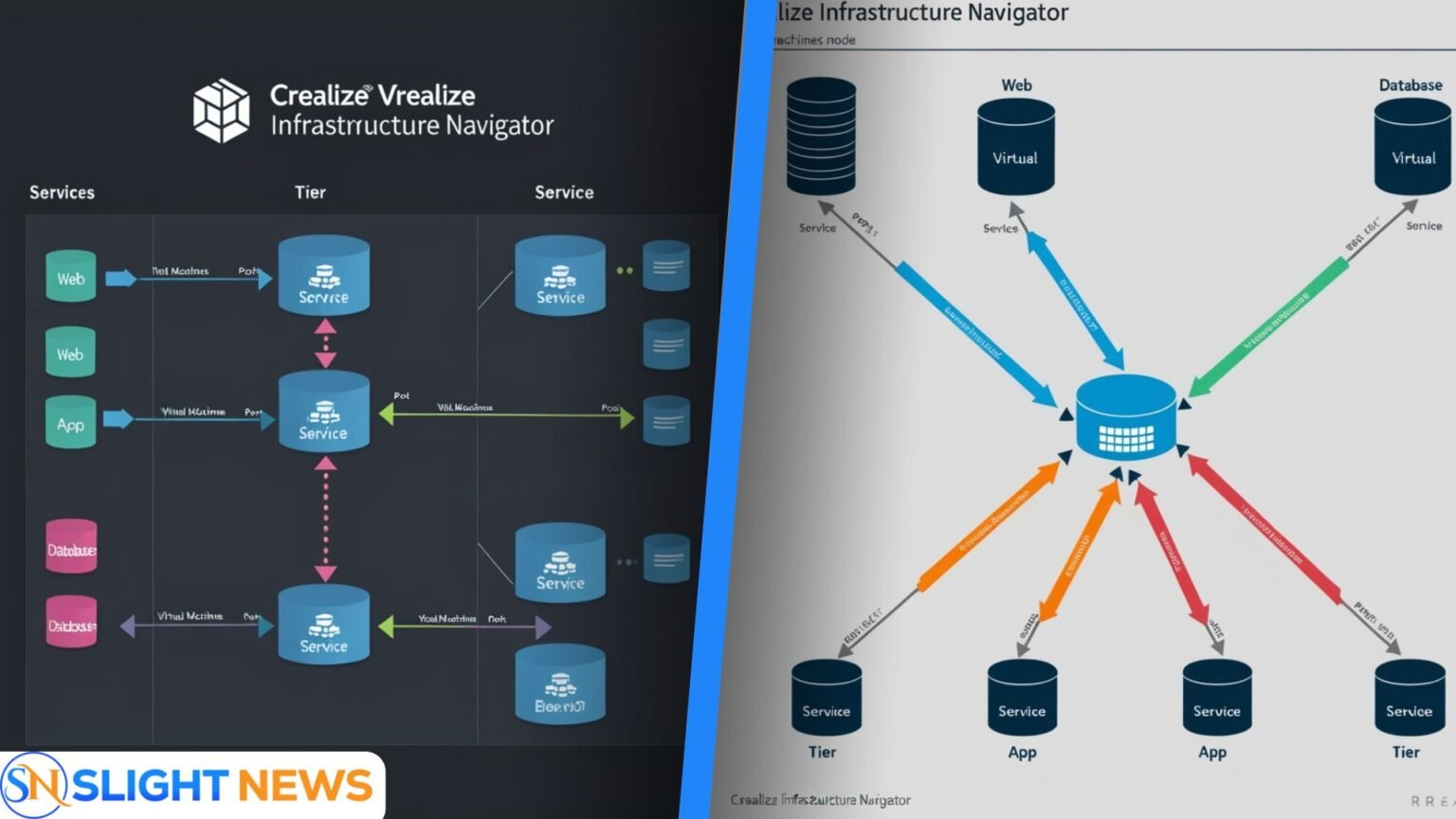

vRealize Infrastructure Navigator is one of the most important tools created by VMware to help IT teams understand how applications interact inside a virtual environment. It focuses on discovering services, mapping their dependencies, and giving admins a clear picture of how virtual machines (VMs) work together. In this article, we will explore what this tool is, how it works, why it is important for application dependency mapping, and how it connects with modern solutions.
What is vRealize Infrastructure Navigator
vRealize Infrastructure Navigator (VIN) is a VMware product that integrates with vCenter Server. It was designed to give IT admins a deeper level of “application awareness” inside their data center. Instead of only showing VMs, CPU, and storage, VIN highlights which services are running on each VM and how those services communicate. This allows teams to see the “big picture” of their application landscape.
The main purpose of vrealize infrastructure navigator is to help companies manage complex apps by discovering their components and the links between them. This makes it much easier to plan upgrades, move workloads, or design security rules.
Why Application Dependency Mapping Matters
Every application in a business usually depends on other services. For example, a web server might connect to an application server, which then communicates with a database. Without a clear view of these dependencies, admins risk breaking something when making changes.
By using vrealize infrastructure navigator, teams can see exactly how these services are linked. This reduces downtime, speeds up troubleshooting, and ensures smooth migrations. In short, dependency mapping makes IT operations safer and more predictable.
How VIN Discovers Dependencies
One of the strengths of vrealize infrastructure navigator is that it works without installing agents inside VMs. Instead, it scans each VM to detect the running services and checks how they talk to other machines using TCP or UDP ports.
This process helps VIN build a visual map that shows each application tier and the connections between them. For example, it can show how a Microsoft SQL Server communicates with a Tomcat application and which web front-end relies on that. The maps update automatically as services start or stop, keeping admins always up to date.
VIN in the IT Stack
VIN is delivered as a virtual appliance that integrates directly with vCenter Server. There is a one-to-one relationship, meaning one VIN appliance works with one vCenter.
For extended visibility, VIN can also connect with vRealize Operations (vROps) using a management pack. This allows admins to see VIN’s discovered relationships inside the vROps dashboards, combining performance monitoring with dependency maps.
Key Features for Application Dependency Mapping
Some of the most valuable features of vrealize infrastructure navigator include:
- Automatic discovery of application services on each VM.
- Topology maps that display application tiers and their connections.
- Continuous updates as services change or stop.
- Integration with vRealize Operations, which adds VIN data to monitoring dashboards.
These features give admins a strong foundation for planning changes, monitoring systems, and improving IT security.
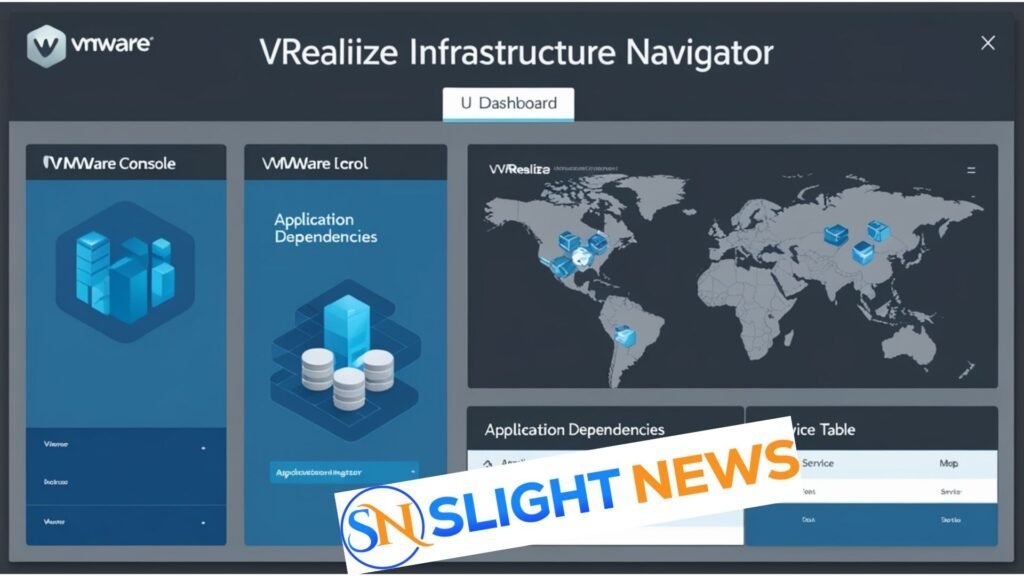
Real-World Use Cases
vrealize infrastructure navigator is useful in many daily IT scenarios. During change management, admins can check what will be affected before applying updates. For migrations, VIN helps ensure dependent VMs move together, reducing risk.
It is also useful in incident response because the map shows where an issue may start. Finally, VIN supports security planning, especially for micro-segmentation, since admins can clearly see traffic flows between different tiers.
Steps to Set Up VIN
Deploying VIN involves a few clear steps:
- Install the VIN appliance on the vSphere environment.
- Register it with vCenter Server to allow access to VM inventory and traffic.
- (Optional) Connect it with vRealize Operations by installing the VIN management pack.
- Use the VIN dashboards to explore application maps and dependencies.
This setup provides a central view of applications and their service flows, giving teams more control over their infrastructure.
Security and Compliance Benefits
One of the strongest values of vrealize infrastructure navigator is in security. By showing exact connections between services, it helps IT teams design proper firewall rules and avoid giving too much access.
VIN also supports compliance audits, because it shows clear evidence of how applications interact. Teams can document traffic flows and prove they are following proper change control processes.
Limits and End of Life
It is important to know that vrealize infrastructure navigator reached its End of Life (EOL) in September 2017. This means VMware no longer distributes or supports it.
Although VIN is not available anymore, many of its features live on in other VMware tools. Still, its historical role was important for showing admins the power of application dependency mapping inside virtual environments.
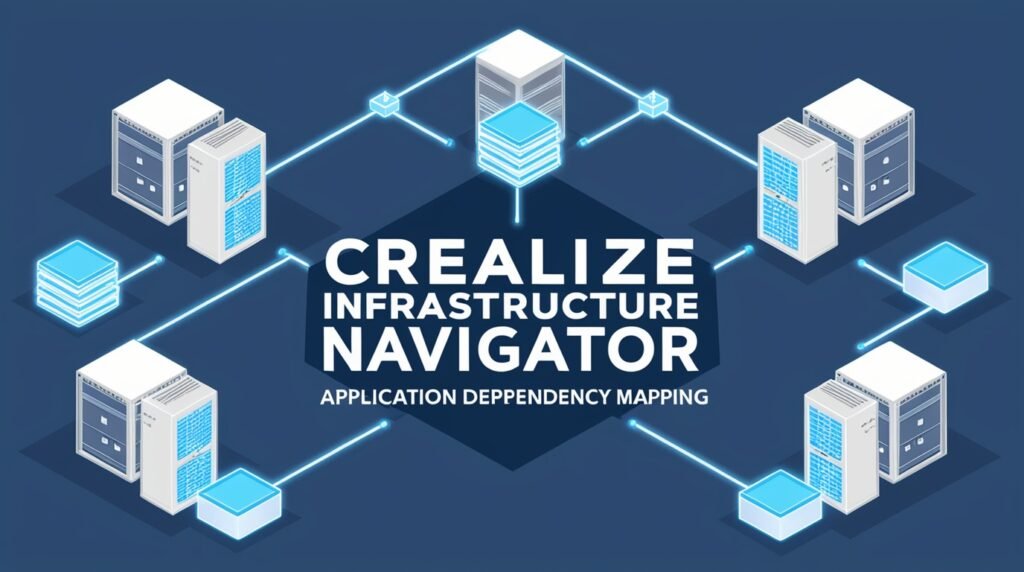
Modern Replacements
After the retirement of vrealize infrastructure navigator, VMware moved its focus to vRealize Operations (now Aria Operations) and related service discovery tools. These modern solutions offer wider service coverage and deeper integration with cloud and hybrid environments.
Companies that used VIN often transitioned to these new tools or third-party Application Dependency Mapping (ADM) platforms, especially when preparing for zero-trust security or large-scale cloud migrations.
Best Practices for Teams
If your organization is still learning about dependency mapping, here are some easy steps:
- Start small by mapping one critical application with vrealize infrastructure navigator or a modern alternative.
- Group VMs by tiers such as web, app, and database.
- Write migration or upgrade rules that ensure these VMs always move together.
- Monitor baseline traffic so you can spot unusual changes after updates.
These practices help ensure that even complex apps remain stable and secure.
Frequently Asked Questions
Q1. What is vRealize Infrastructure Navigator used for?
It is used for application dependency mapping, discovering services, and showing VM communication in virtual environments.
Q2. Does vRealize Infrastructure Navigator require agents?
No, it is agentless. It scans services and network traffic without installing extra software on VMs.
Q3. Is vRealize Infrastructure Navigator still supported?
No, it reached End of Life in September 2017, and VMware no longer provides downloads or support.
Q4. What are modern alternatives to vRealize Infrastructure Navigator?
VMware suggests Aria Operations (vRealize Operations) with service discovery or other ADM tools.
Q5. How does vRealize Infrastructure Navigator help in security?
It provides clear maps of dependencies, helping admins design firewall rules and support micro-segmentation.
Final Thoughts
vrealize infrastructure navigator played an important role in helping IT teams understand their application environments. By discovering services, mapping their dependencies, and showing live topology maps, it made IT operations more reliable and secure.
Even though VIN is retired, the lessons it gave are still vital today. Dependency mapping is essential for migration planning, security design, and performance monitoring. Modern tools may have replaced VIN, but its legacy continues to influence how organizations approach application dependency mapping.
For more information Visit: Slight News